Weaf HR

Administration

The remaining pages configure the system itself rather than the people in it.

The remaining pages configure the system itself rather than the people in it.

A few administrative screens — currencies, and the custom pages behind the public site — are reserved for the platform’s super administrator and are not reachable from a company account. They are named here for completeness but are not documented, because a company administrator will never see them.

Pages in this chapter
  • Settings
  • Plans
  • Plan Requests
  • Plan Orders
  • Referral Program
  • Landing Page

Settings

Company-wide configuration: company details, branding, localisation, email, and the security options that apply to everyone who signs in.
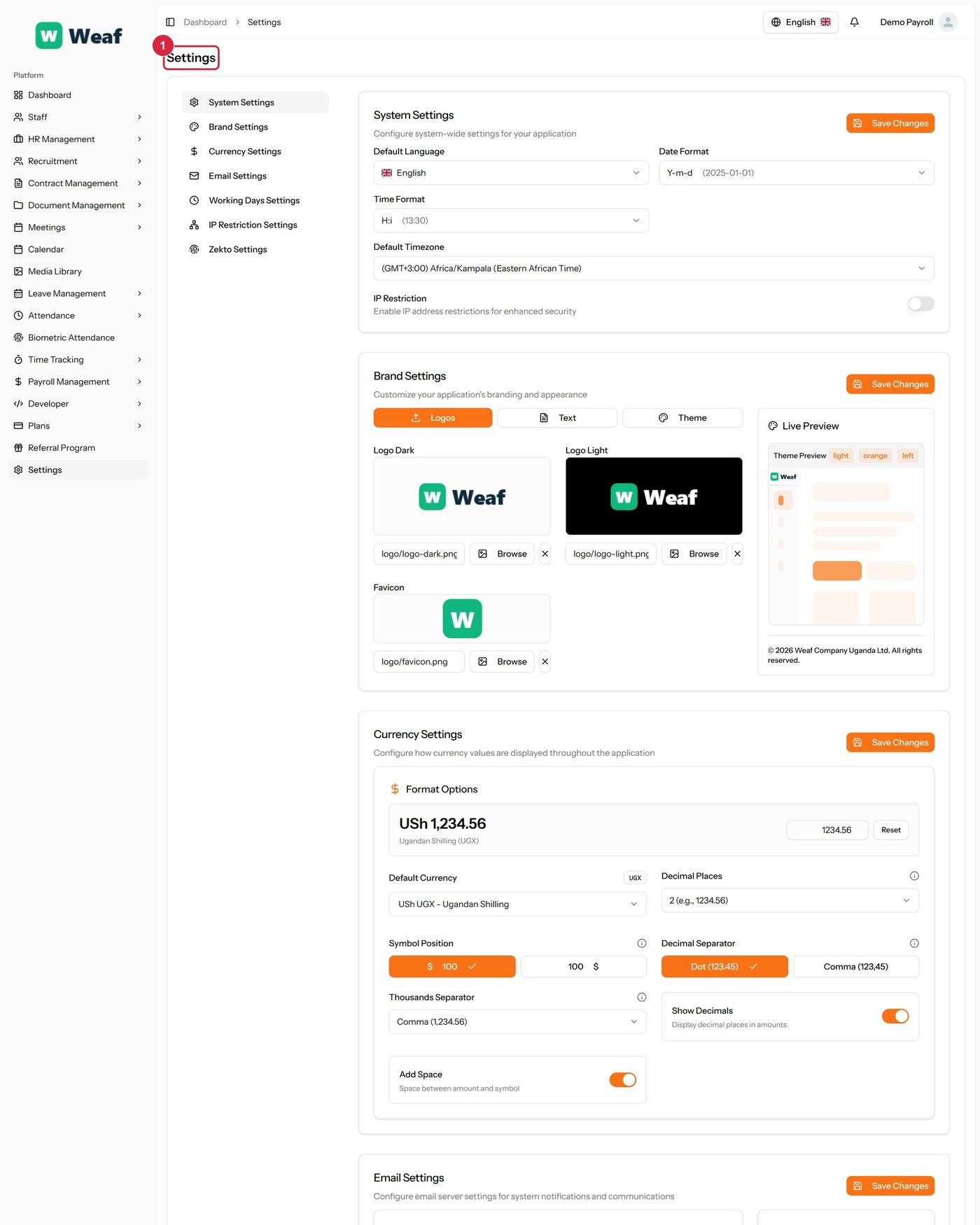
The Settings page
The Settings page

1 page title

Columns
  • #
  • IP Address
  • Actions
Actions on this page
  • System Settings
  • Brand Settings
  • Currency Settings
  • Email Settings
  • Working Days Settings
  • IP Restriction Settings
  • Zekto Settings
  • Save Changes
  • Y-m-d (2025-01-01)
  • H:i (13:30)
  • Logos
  • Text
  • Theme
  • Browse
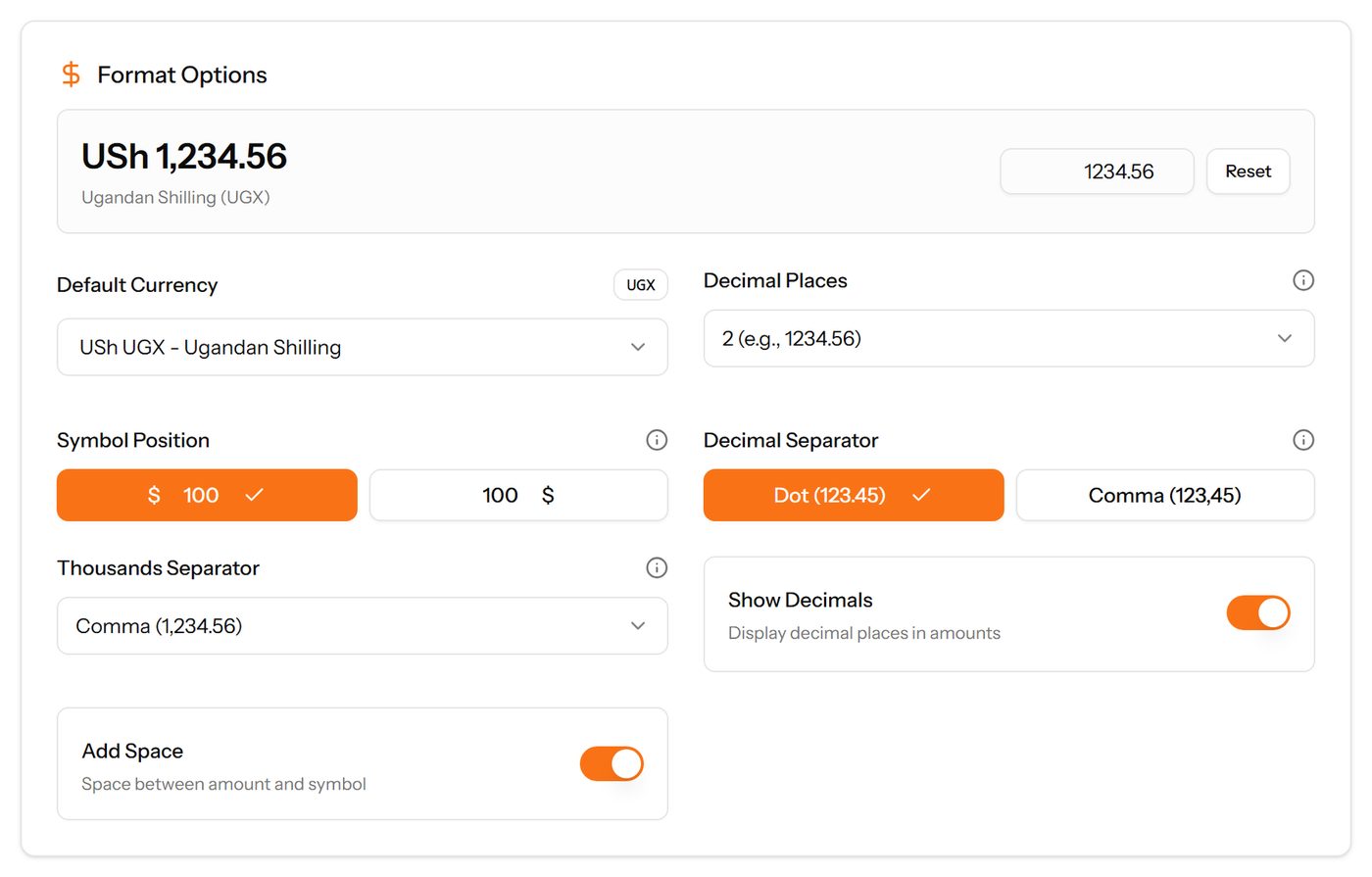
  • Reset
  • USh UGX - Ugandan Shilling
  • 2 (e.g.
  • 1234.56)
  • $ 100
  • 100 $
  • Dot (123.45)
  • Comma (123
  • 45)
  • Comma (1
  • 234.56)
  • SMTP
  • TLS
  • Send Test Email
  • Add IP Address
  • Generate Token
  1. Choose Add IP Address at the top right. The form opens in a panel.
  2. Complete the required fields: IP Address.
  3. Choose Save. The new record appears in the list.
The Add IP Address form

Plans

The subscription tiers available to your company, and which one you are on.
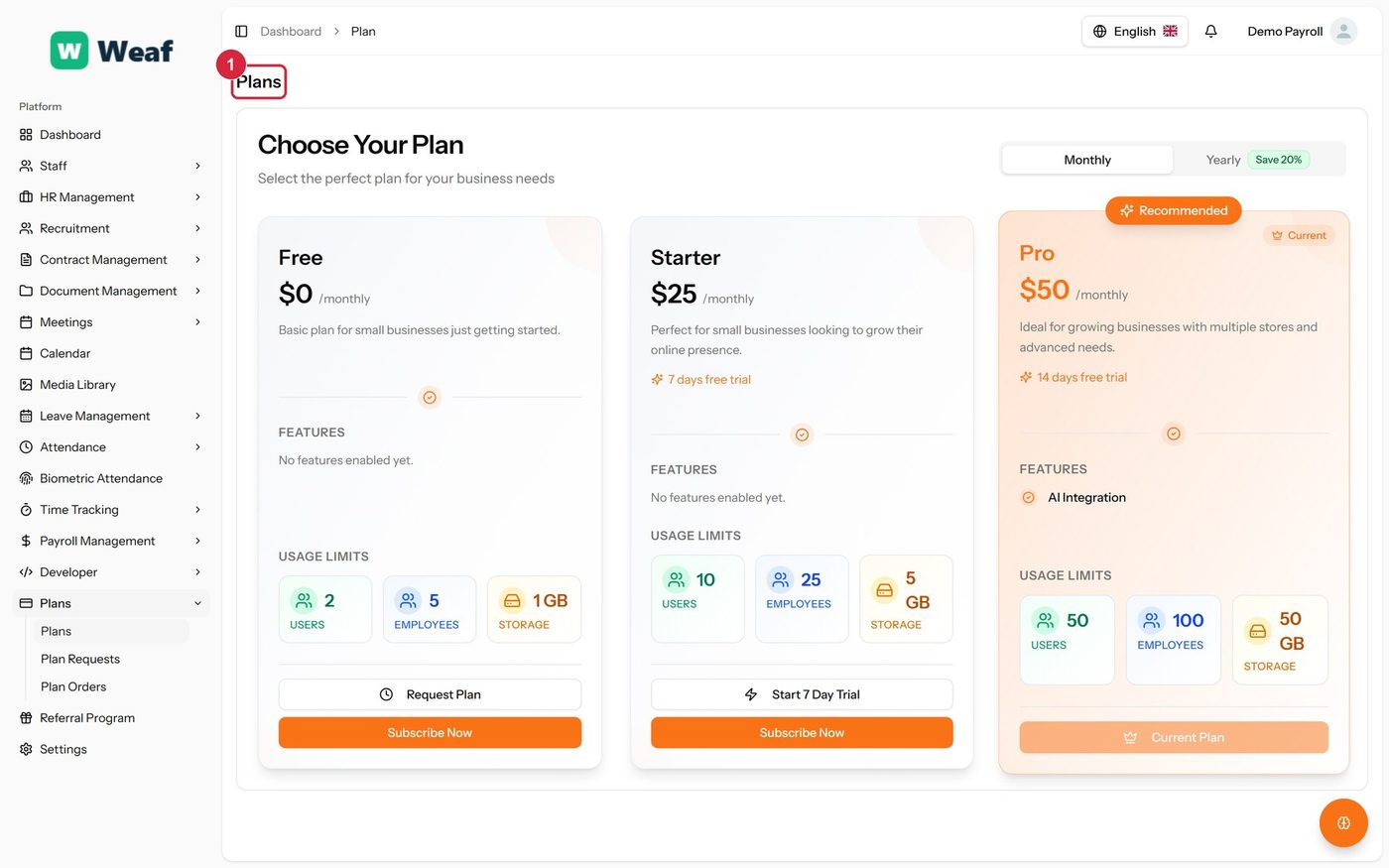
The Plans page
The Plans page

1 page title

Actions on this page
  • Monthly
  • Yearly Save 20%
  • Request Plan
  • Subscribe Now
  • Start 7 Day Trial
  • Current Plan

Plan Requests

Requests to change plan, and where each has got to.
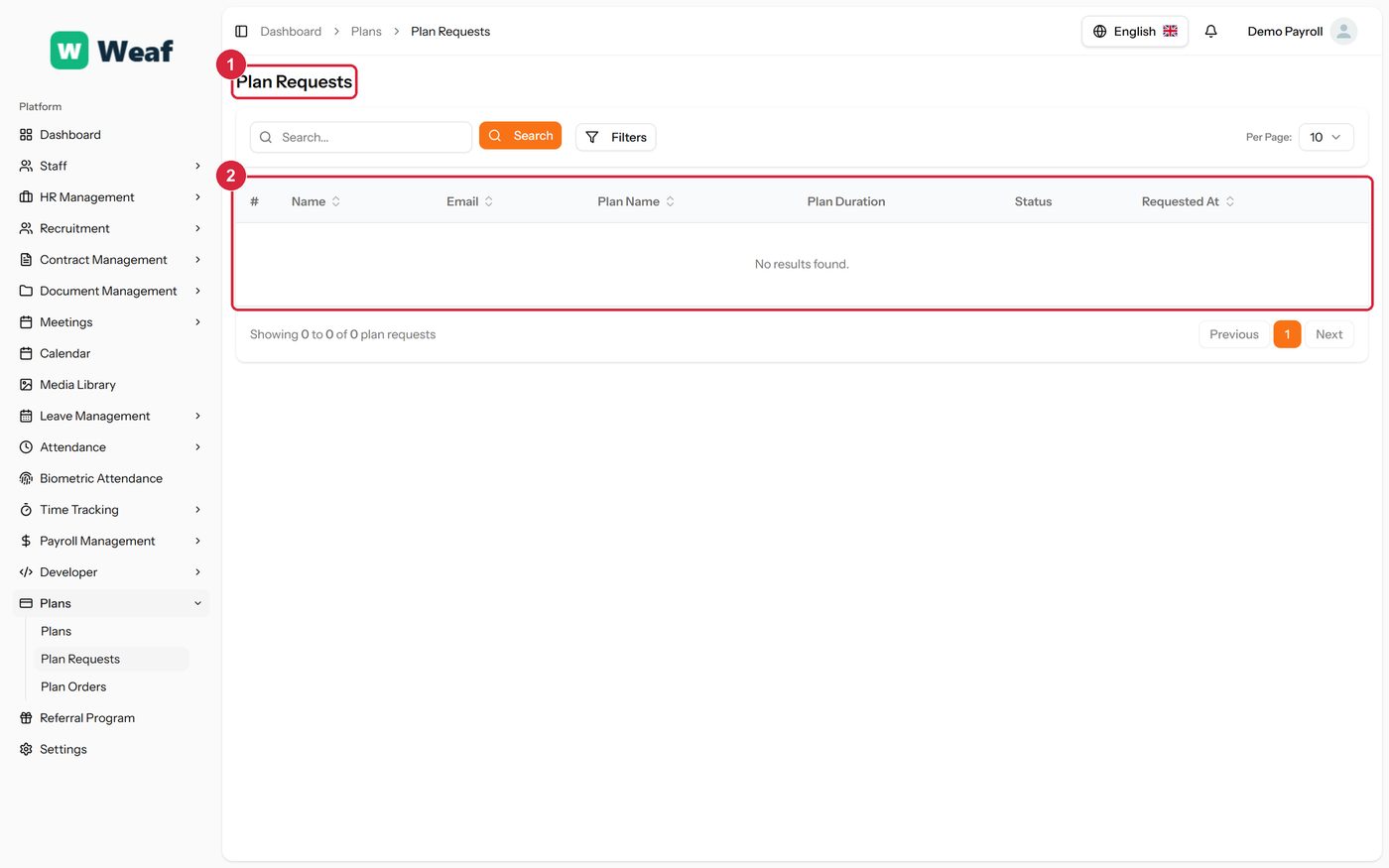
The Plan Requests page
  • 1 page title
  • 2 records table
Columns
  • #
  • Name
  • Email
  • Plan Name
  • Plan Duration
  • Status
  • Requested At

Plan Orders

Completed plan purchases, with the order number, the price, any coupon and the date.
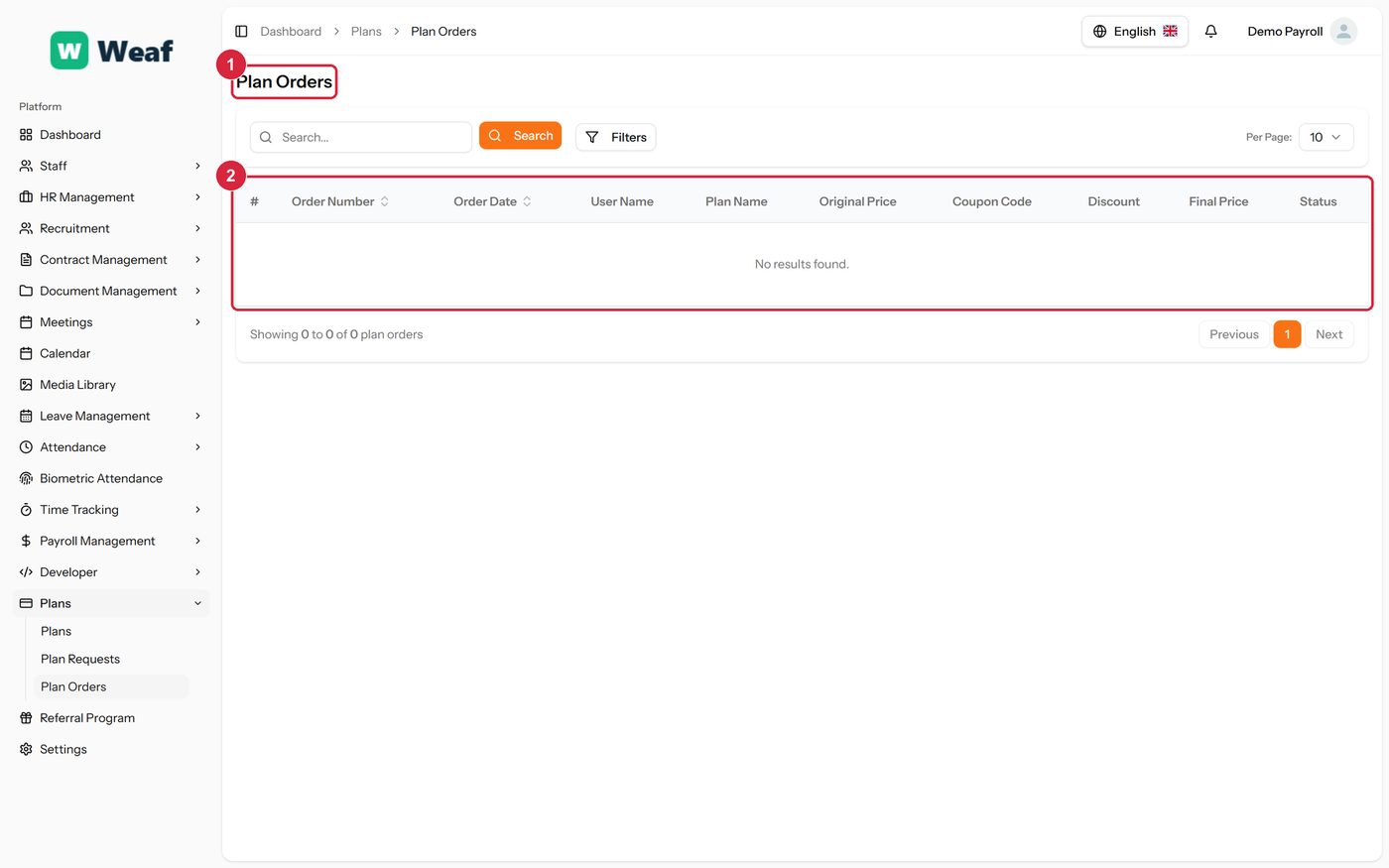
The Plan Orders page
  • 1 page title
  • 2 records table
Columns
  • #
  • Order Number
  • Order Date
  • User Name
  • Plan Name
  • Original Price
  • Coupon Code
  • Discount
  • Final Price
  • Status

Referral Program

Your referral link and what it has earned, with each referral's amount, status and date.
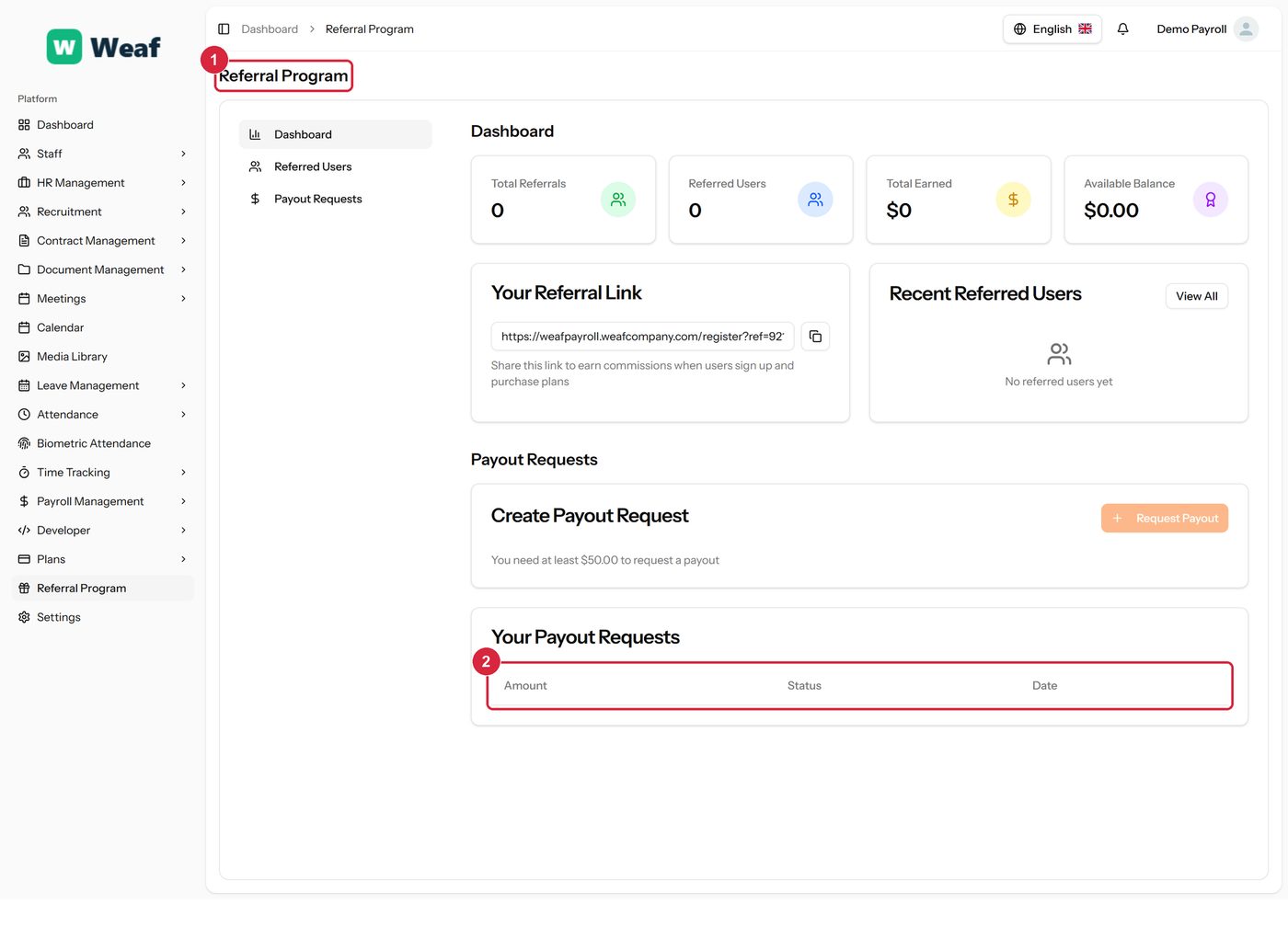
The Referral Program page
  • 1 page title
  • 2 records table
Columns
  • Amount
  • Status
  • Date
Actions on this page
  • Dashboard
  • Payout Requests
  • Request Payout

Landing Page

Where the public website is edited: the text, images, ordering and visibility of every section covered in chapter 3.
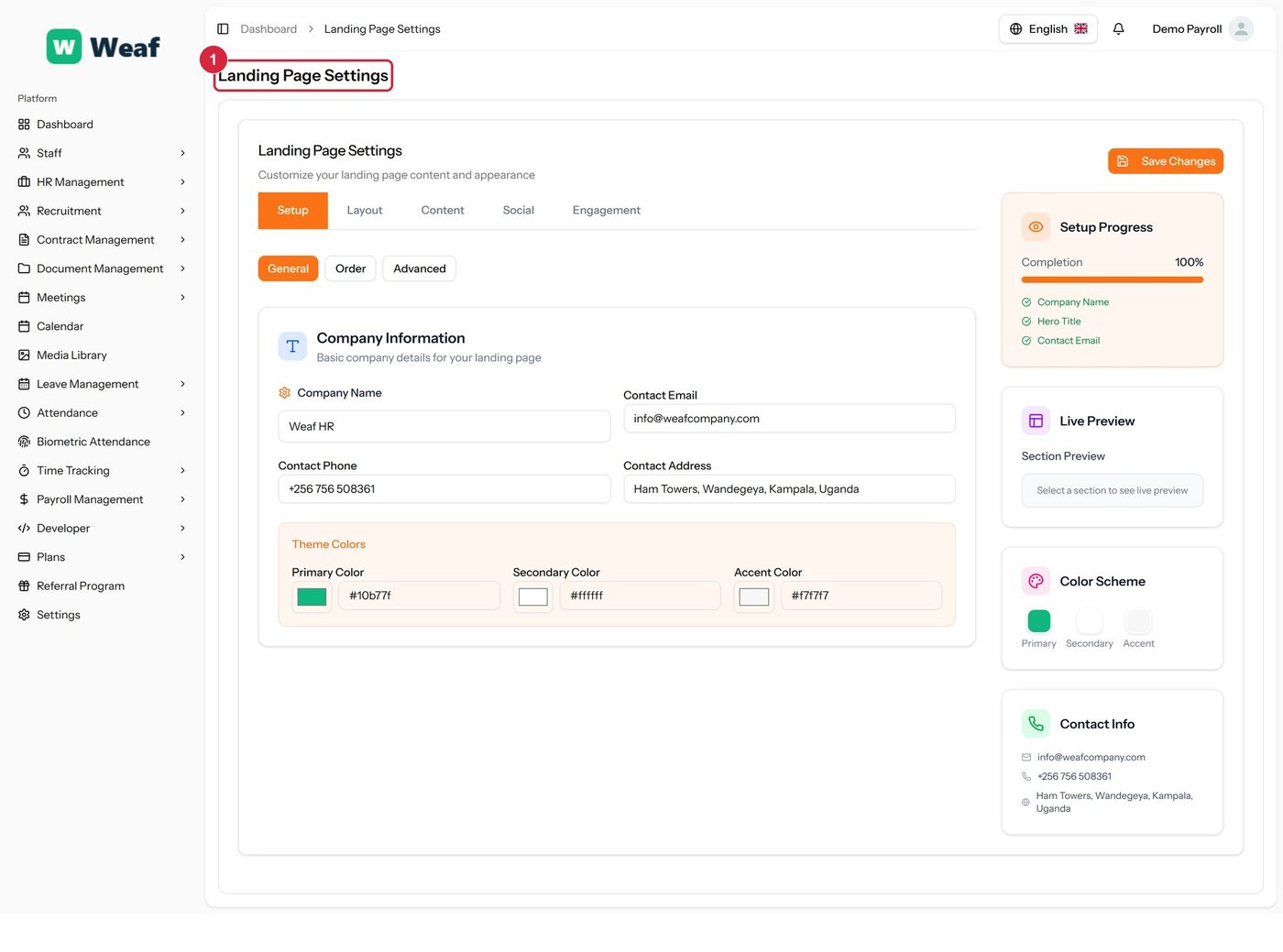
The Landing Page page

1 page title

Actions on this page
  • Save Changes
  • Setup
  • Layout
  • Content
  • Social
  • Engagement
  • General
  • Order
  • Advanced

Common questions about administration

How do I use the Settings page in Weaf HR?

Company-wide configuration: company details, branding, localisation, email, and the security options that apply to everyone who signs in.

  1. Choose Add IP Address at the top right. The form opens in a panel.
  2. Complete the required fields: IP Address.
  3. Choose Save. The new record appears in the list.

See all questions →