Creating Your Company Account
Weaf HR is multi-company.
Weaf HR is multi-company. You do not ask an administrator for an account; you create one, and it becomes your company's own workspace with its own data, staff and subscription.
Signing up
Registration is reached from Get Started in the header of the welcome page, or directly at /register.
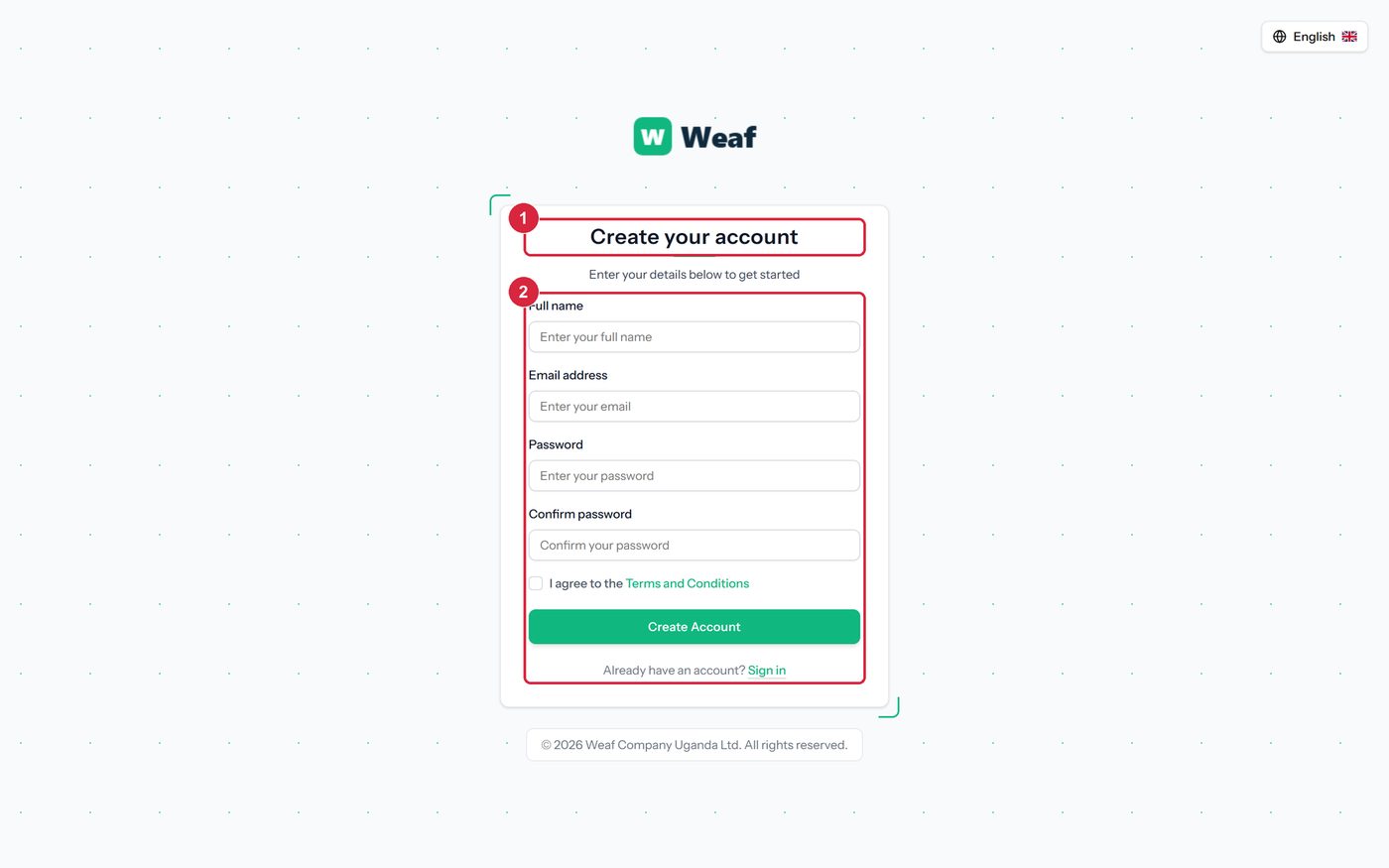
- Open the welcome page and choose Get Started.
- Complete the form: Full name, Email address, Password, Confirm password, I agree to the Terms and Conditions.
- Submit the form. The company workspace is created and you are signed in as its first user.
| Field | Type | Required |
|---|---|---|
| Full name | text | Yes |
| Email address | Yes | |
| Password | password | Yes |
| Confirm password | password | Yes |
| I agree to the Terms and Conditions | checkbox | No |
| Note: The first user created this way owns the company account. Give other people their own logins rather than sharing this one — chapter 7 explains how, and why shared logins make every later record ambiguous. |
|---|