Asset Management
Company property is tracked here, together with who holds it and what it is now worth.
Company property is tracked here, together with who holds it and what it is now worth.
On this page
Asset Types
A reference list. Entries created here become the options offered when you create an asset. Setting these up once, before the records that use them, saves correcting the same choice repeatedly later.
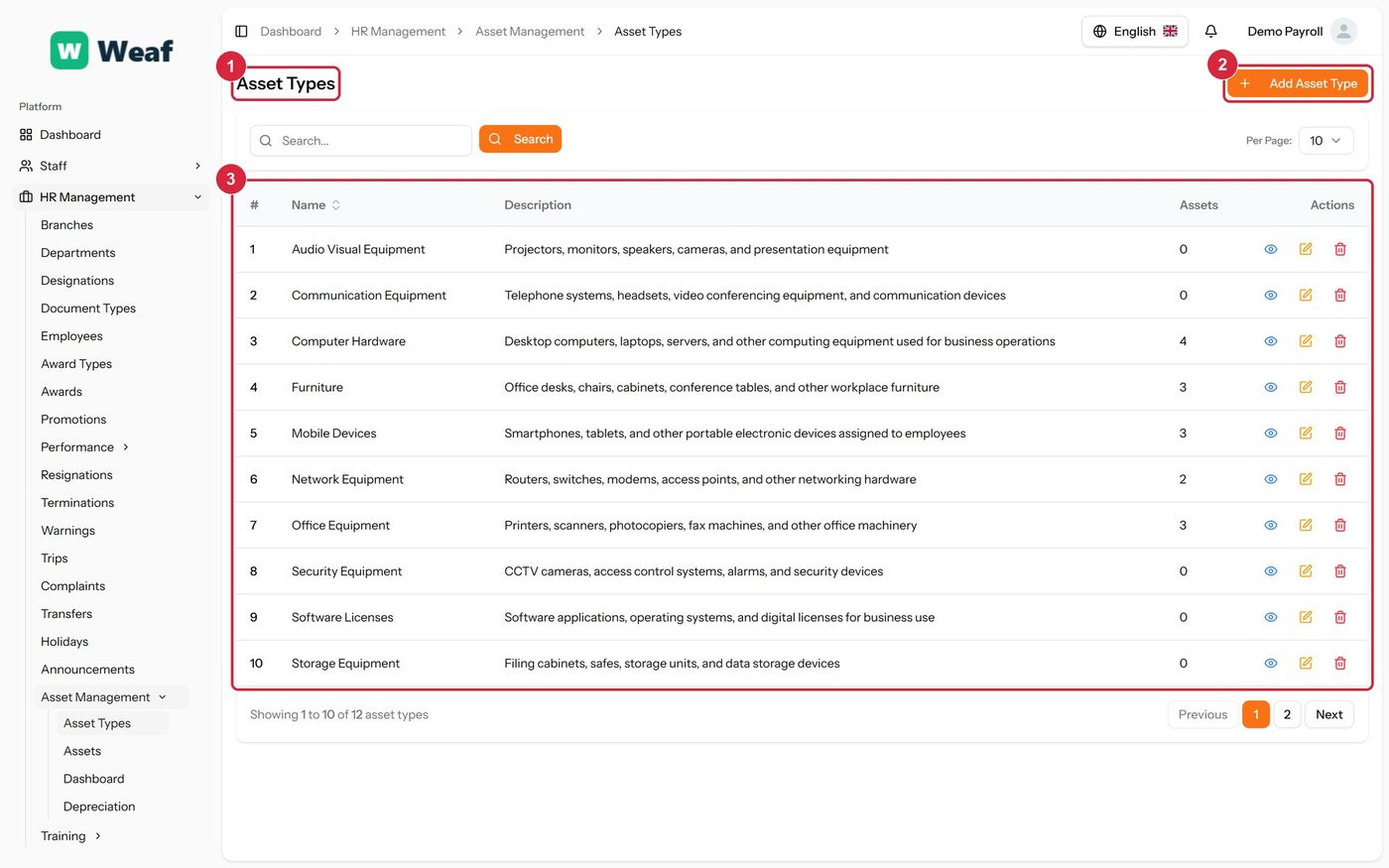
- 1 page title
- 2 primary action
- 3 records table
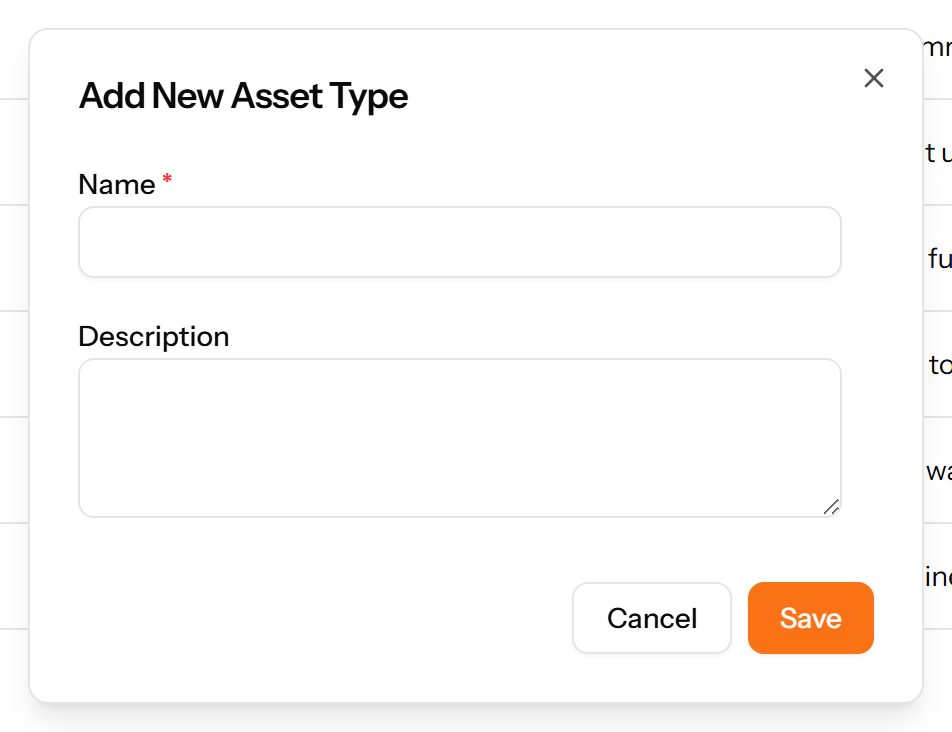
- Choose Add Asset Type at the top right. The form opens in a panel.
- Complete the required fields: Name.
- Fill in anything else that applies: Description.
- Choose Save. The new record appears in the list.
Assets
Company property and who currently holds it. Each asset has a code, a status, a purchase date and cost, and may be assigned to an employee.
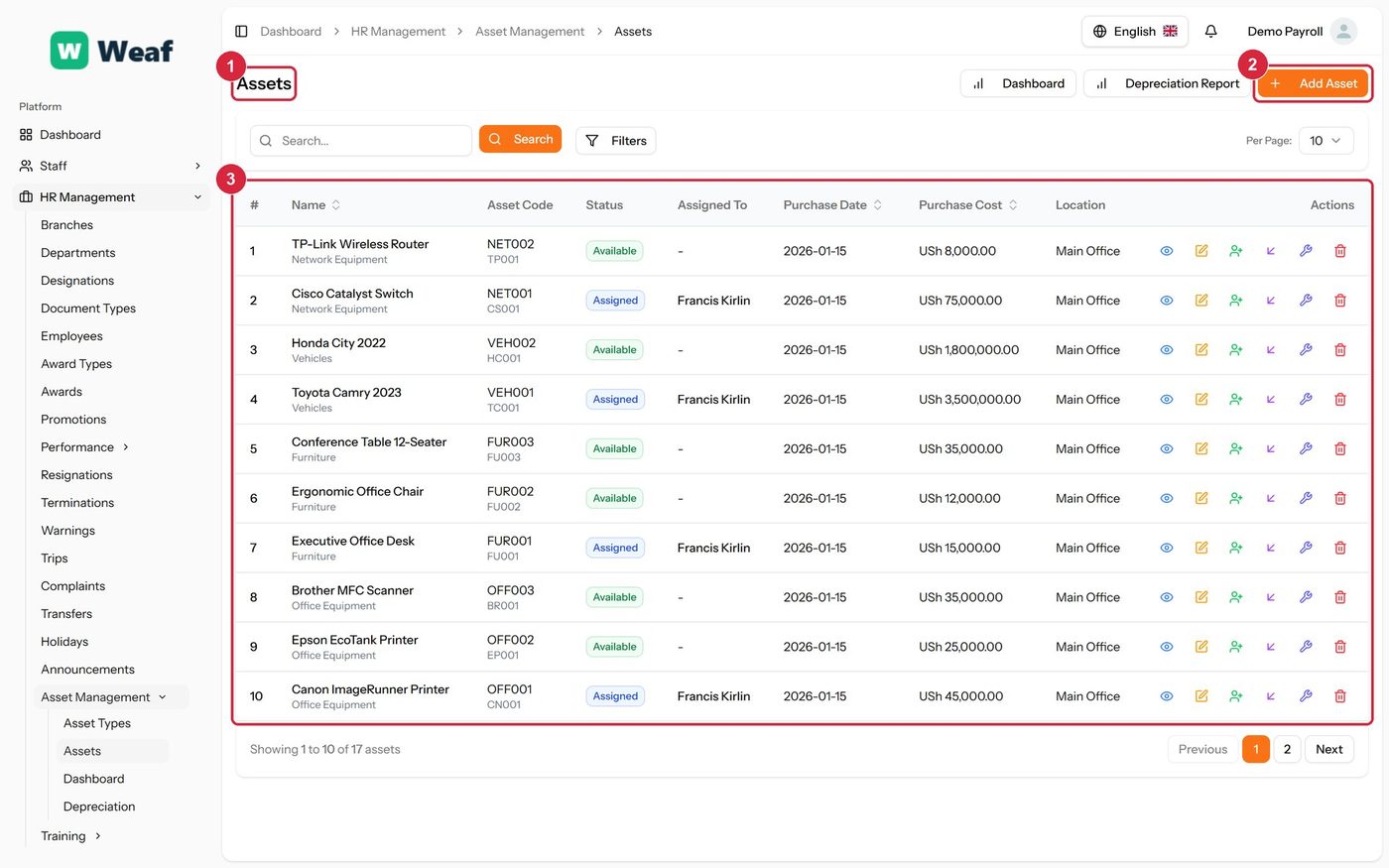
- 1 page title
- 2 primary action
- 3 records table
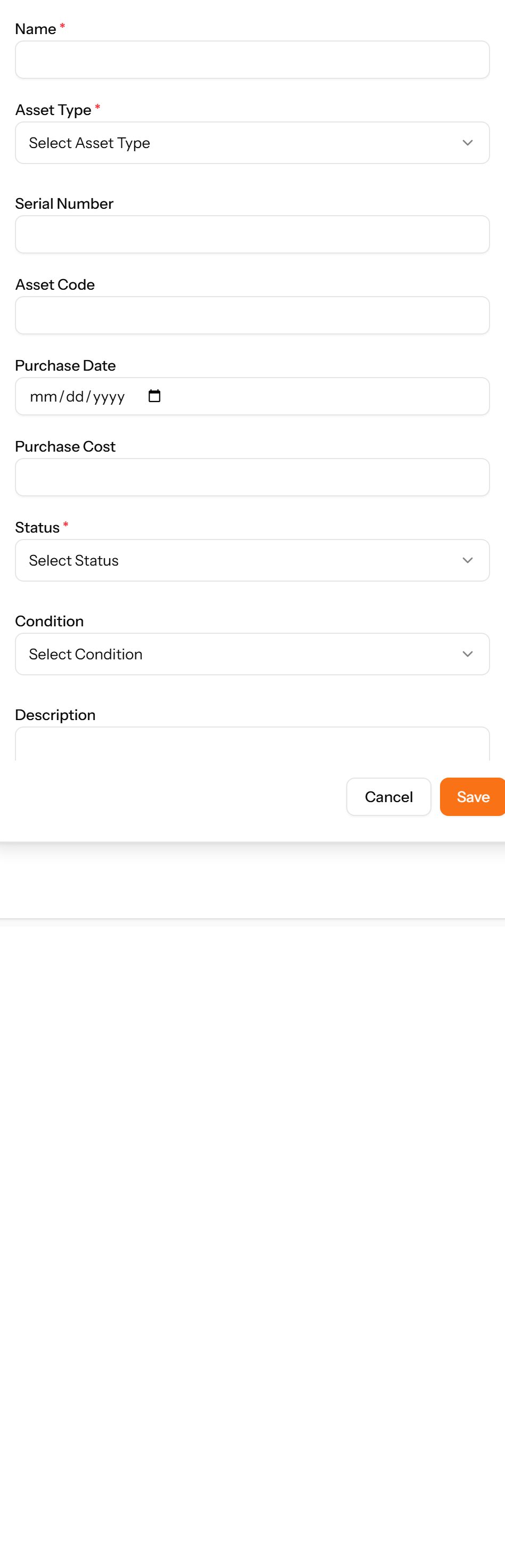
- Choose Add Asset at the top right. The form opens in a panel.
- Complete the required fields: Name.
- Fill in anything else that applies: Serial Number, Asset Code, Purchase Date, Purchase Cost, Description, Location, Supplier, Warranty Information.
- Make the selections the form asks for: Asset Type, Status, Condition, Depreciation Method.
- Choose Save. The new record appears in the list.
Dashboard
A summary of the asset register: what is held, what is assigned and what it is worth.
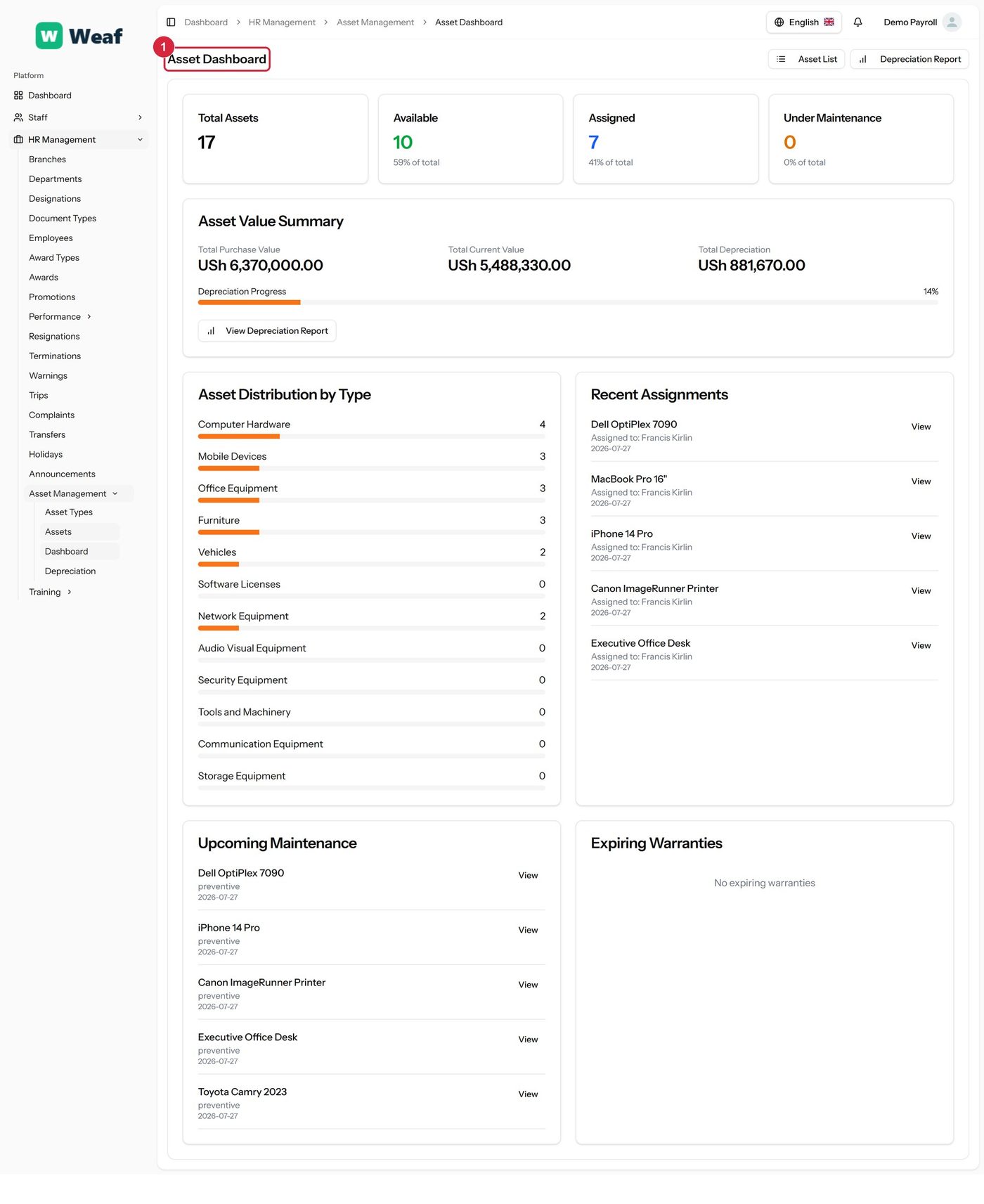
1 page title
Depreciation
What the asset register is worth now rather than when it was bought, using each asset's depreciation method to give a current value.
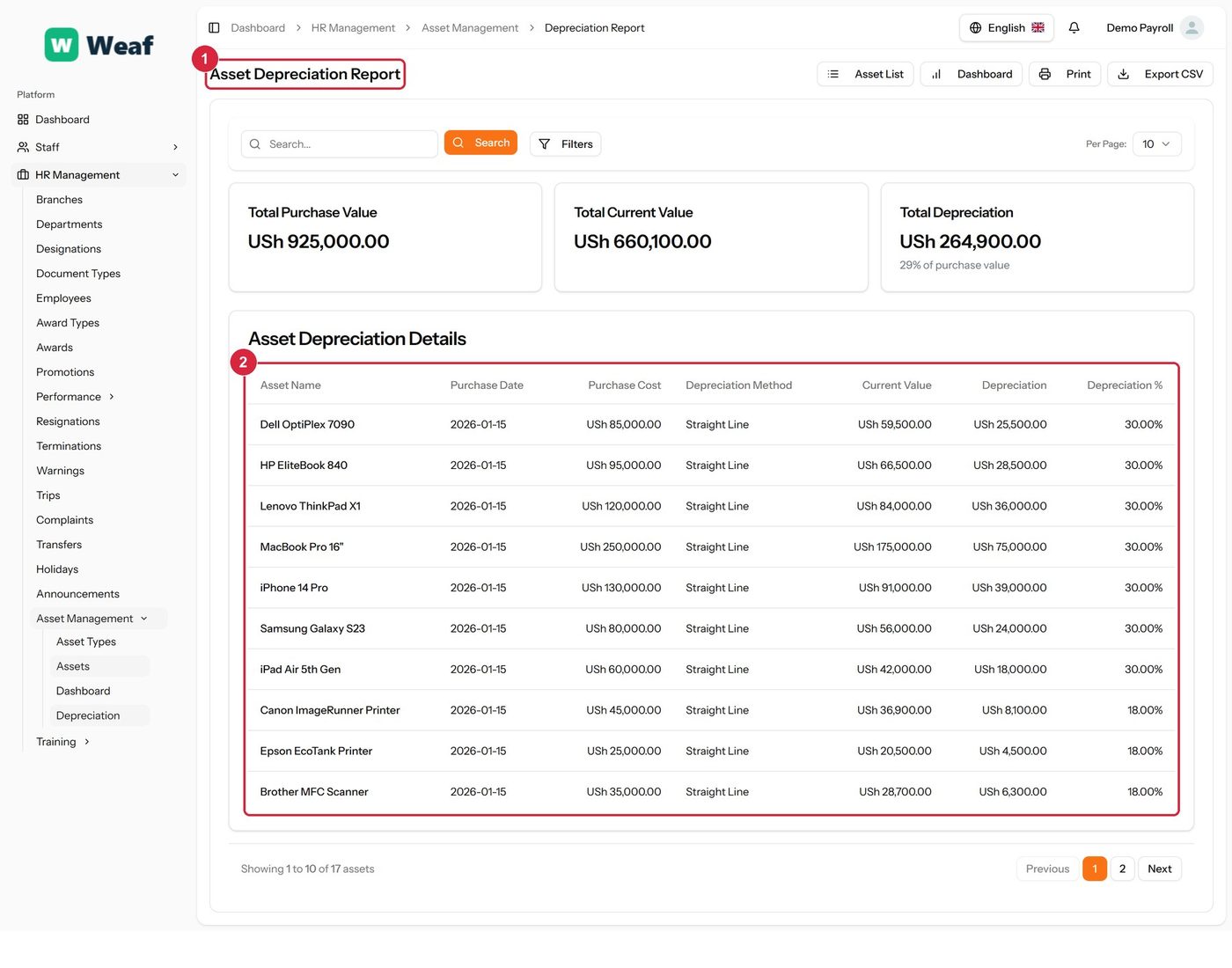
- 1 page title
- 2 records table